The Ultimate WordPress Speed Optimization Guide (2026)
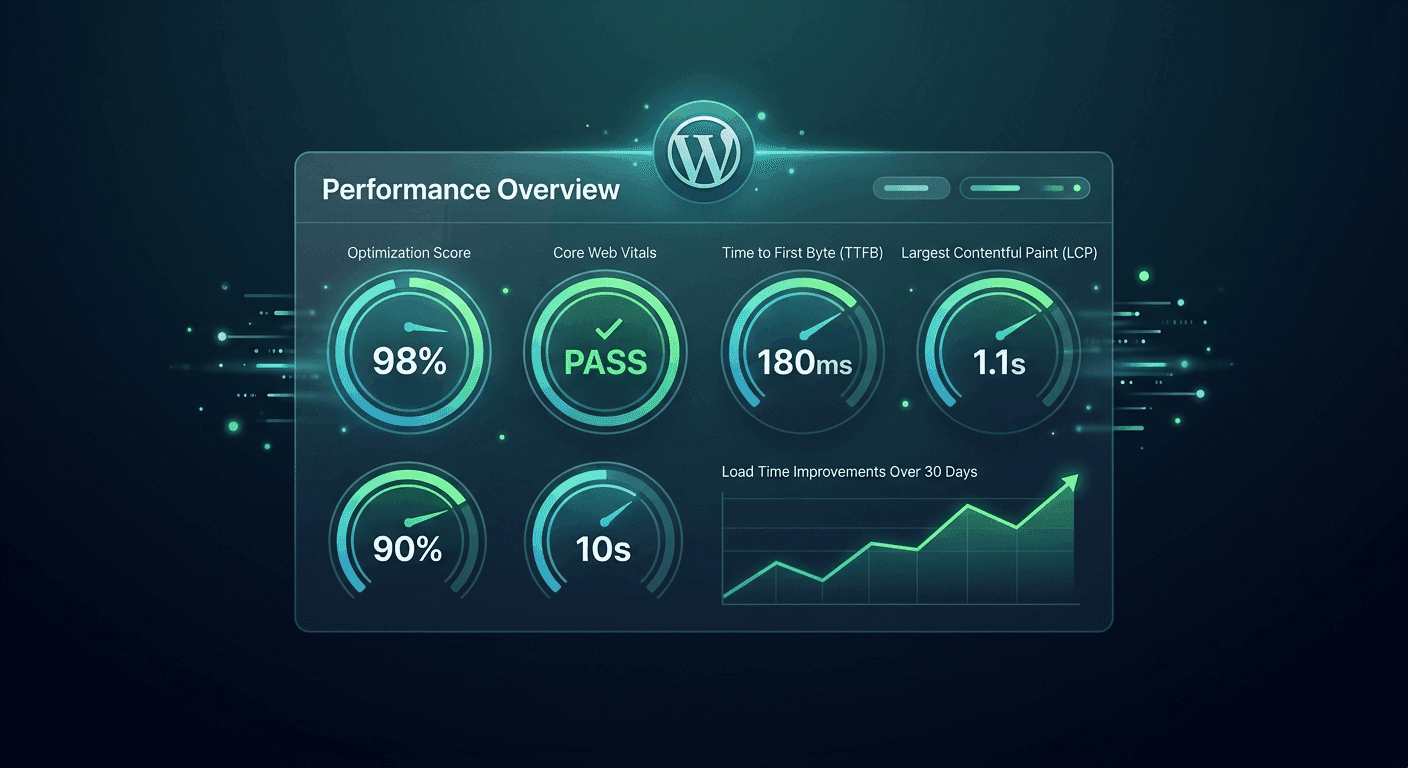
Every single second your WordPress website takes to load is actively draining your revenue. According to Google, if your mobile page load time goes from 1 second to 3 seconds, the probability of a user bouncing increases by 32%.
When potential clients land on your site, they expect an instantaneous experience. If your Core Web Vitals are showing red in Google Lighthouse, you aren't just losing visitors—you're being pushed down in search rankings.
1. Shift from Shared Hosting to Managed Cloud VPS
The absolute bottleneck of most slow WordPress sites is cheap hosting. No amount of optimization plugins can fix a congested, low-tier shared server. Upgrading to a dedicated, containerized cloud provider (like Cloudways, Kinsta, or a custom DigitalOcean droplet setup) ensures your Time to First Byte (TTFB) stays well under 200ms.
2. Dominate with Page Caching and Object Caching
To avoid costly database calls on every page load, implementing a robust caching layer is mandatory:
- Page Caching: Serves pre-rendered static HTML files directly to the browser.
- Redis Object Cache: Caches repetitive SQL database queries. This is an absolute game-changer for dynamic, database-heavy sites like WooCommerce stores or membership platforms.
3. Advance Asset Optimization: Stop the Script Bloat
Many standard plugins inject massive, unminified CSS and JavaScript files across every single page of your site, even where they aren't needed.
- De-register Unused Assets: Use tools like Asset CleanUp or Perfmatters to selectively disable plugins on pages where they remain unused.
- Delay Non-Critical JS: Defer or delay heavy scripts like Google Analytics, Facebook Pixel, and tracking tools until actual user interaction occurs.